Ask
Start with the outcome, not the tool.
Describe the result. Disp8ch asks for missing details and proposes the objects to create.
One request becomes workflows, decisions, tasks, and memory. On your machine, with every risky action approved by you.
Build a daily 9am research digest and send it to WebChat. Ask before saving.
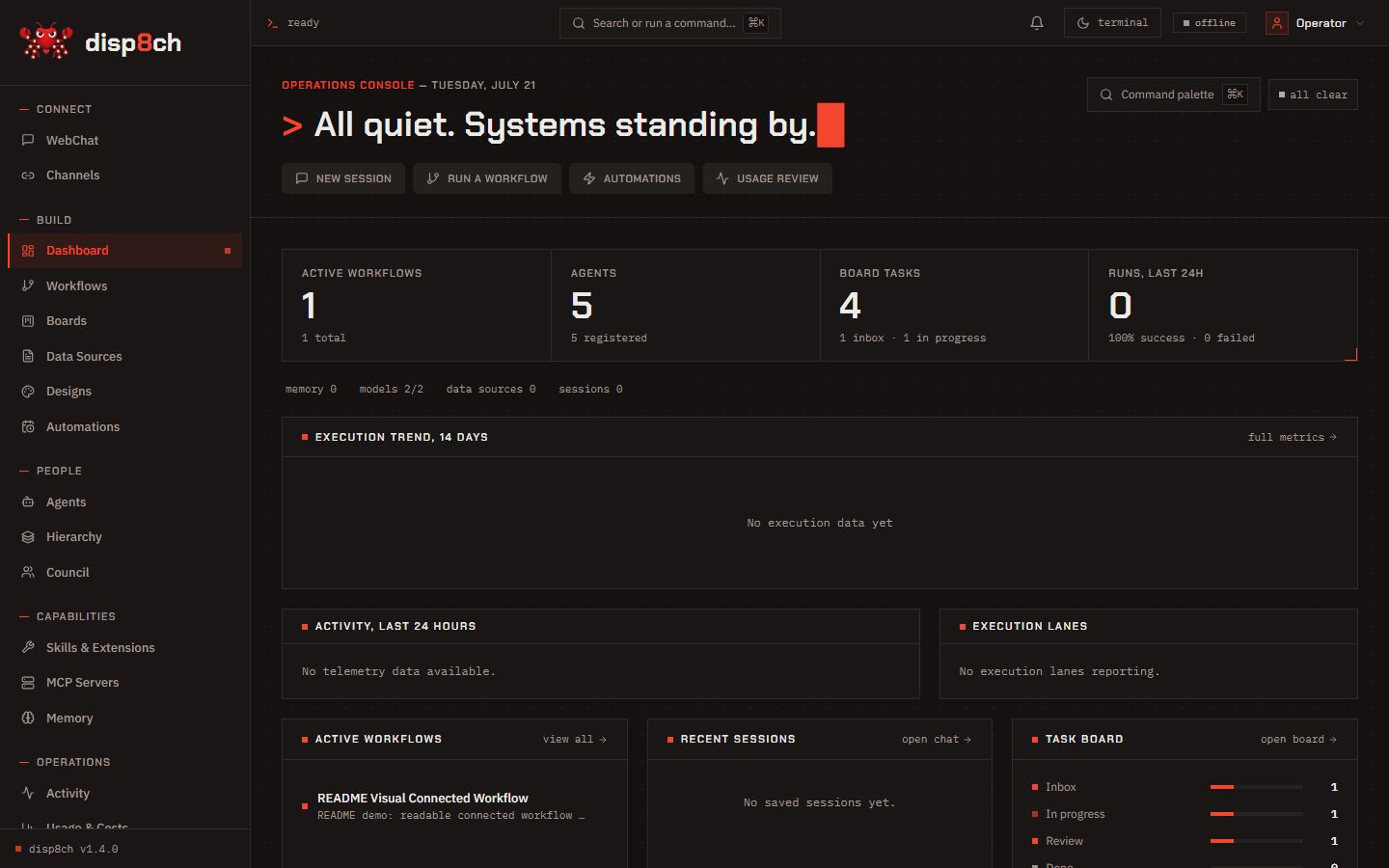

Describe the result. Disp8ch asks for missing details and proposes the objects to create.
Sources and notebooks keep research bounded, cited, and reusable.
Council records debate. Hierarchy assigns goals, roles, budgets, and owners.
Workflows, Boards, Activity, approvals, and Memory keep the work visible.
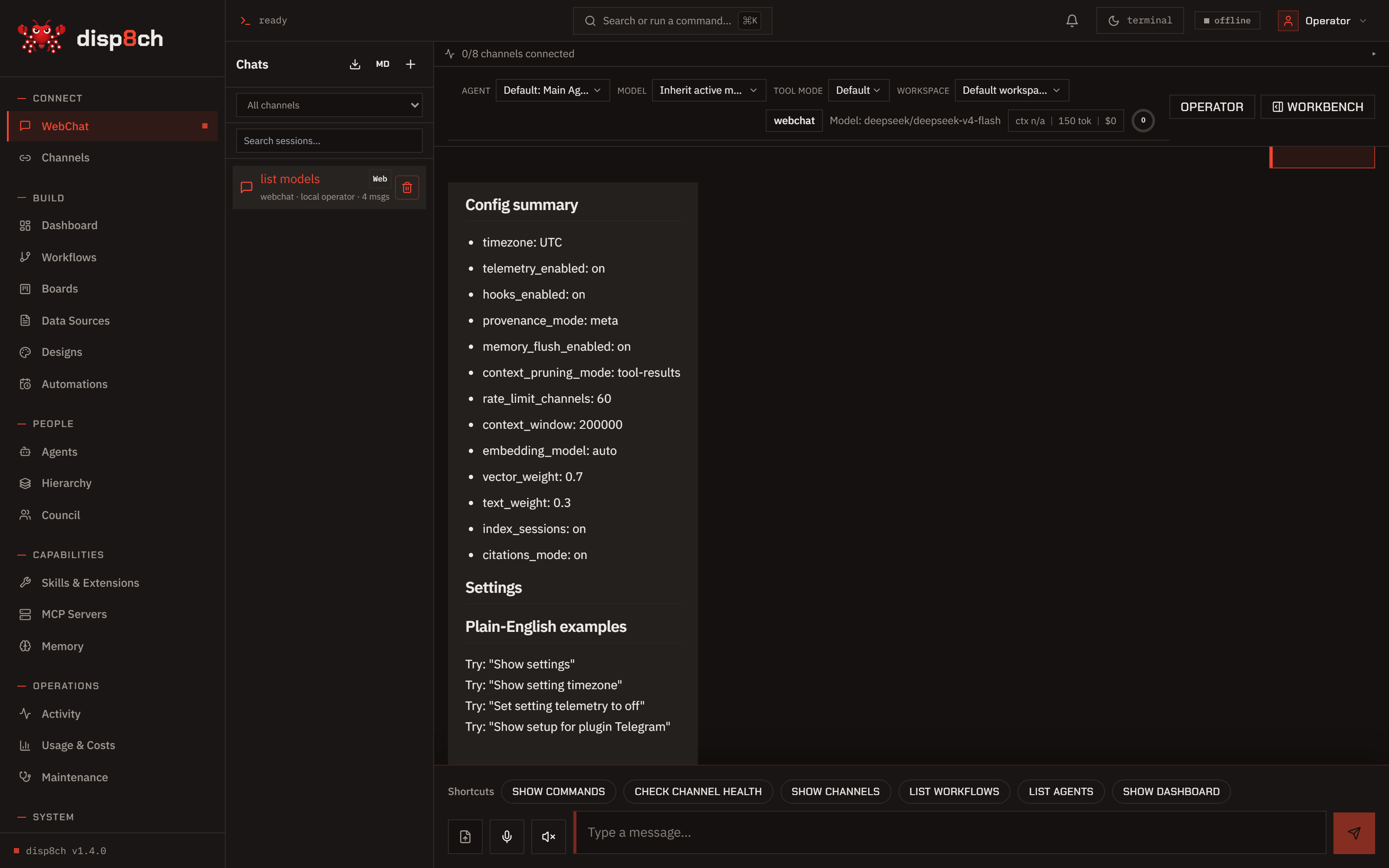
Ask in plain English. Approve what it proposes. Nothing mutates without you.
Explore Agentic WebChat →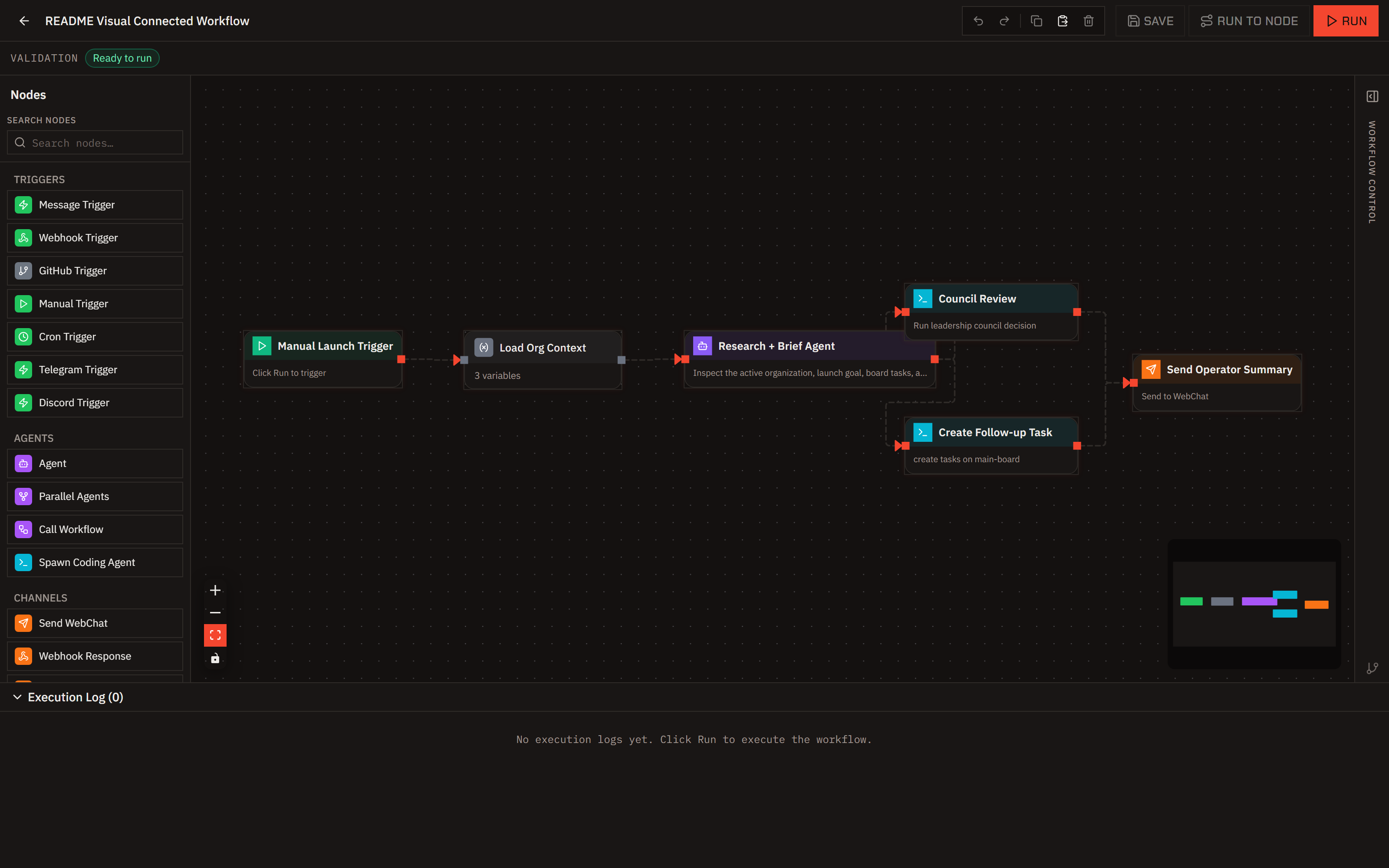
Describe the automation. Get an editable node graph you can test, run, and schedule.
Explore Visual Workflows →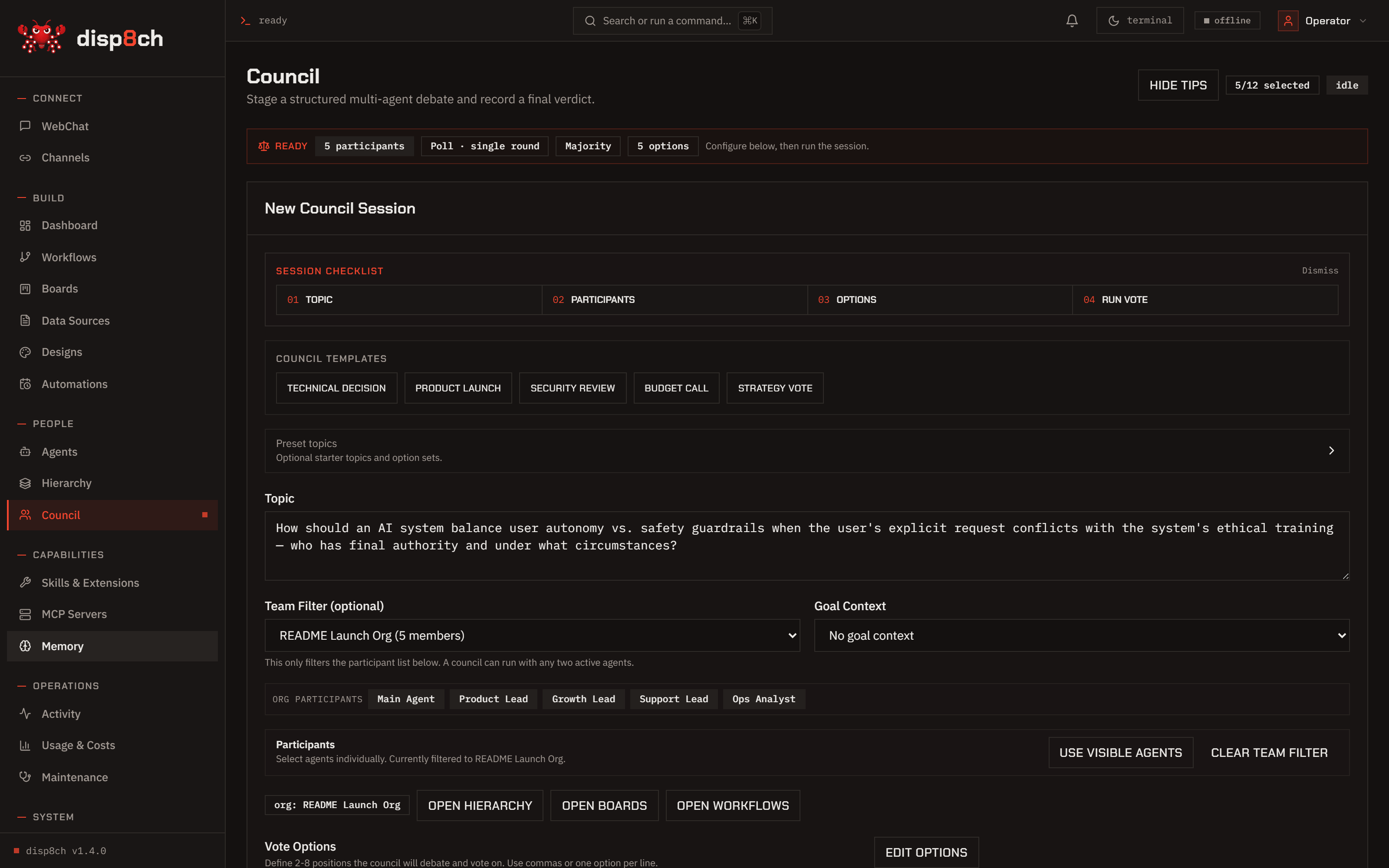
Agents argue, vote, and record the verdict. The dissent stays on the record.
Explore Council →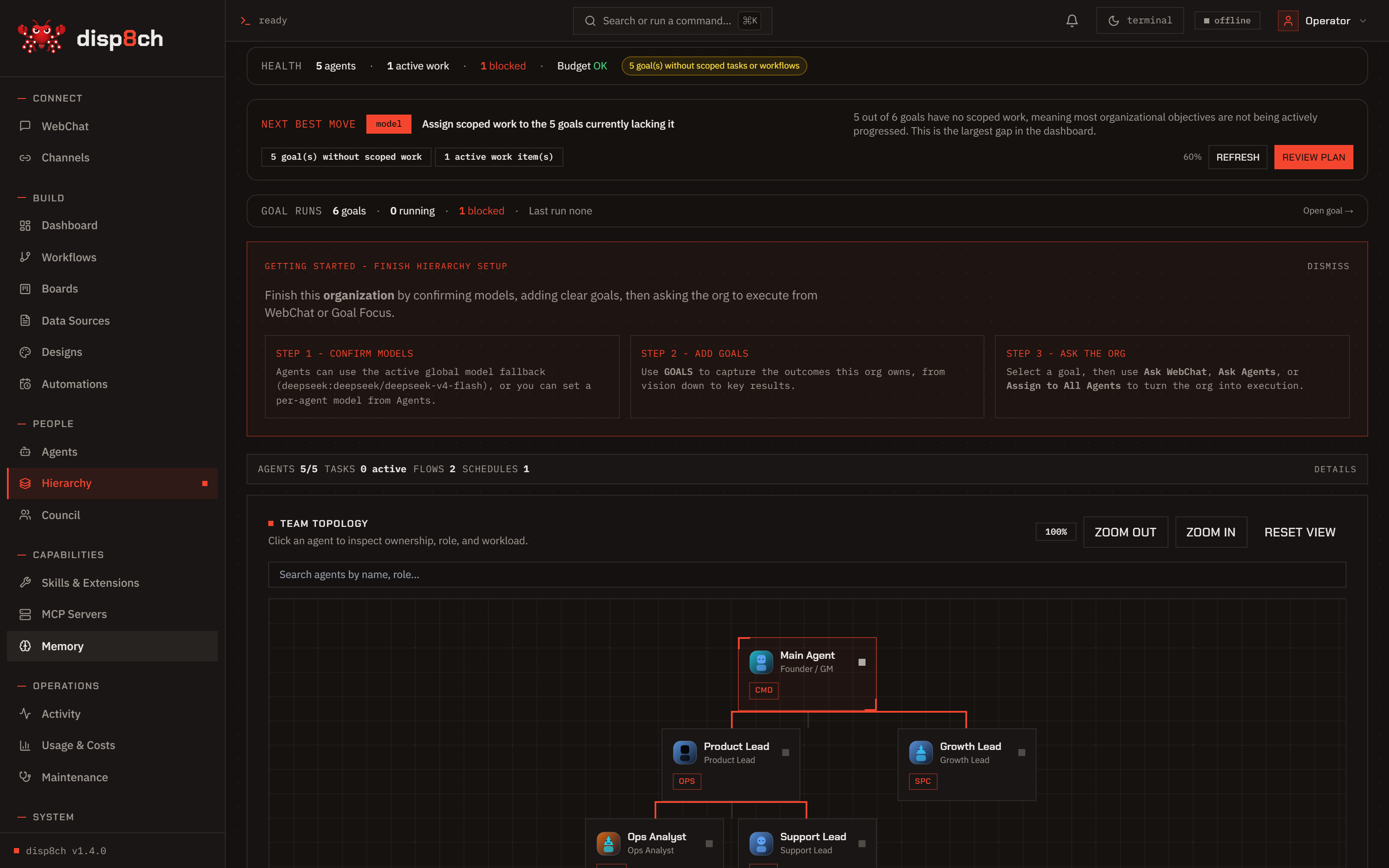
Give agents roles, goals, and budgets. Watch heartbeats, costs, and blockers in one map.
Explore Hierarchy →Point Disp8ch at Ollama, LM Studio, llama.cpp, vLLM, or SGLang. A built-in advisor recommends what fits your RAM and VRAM. Core features run offline.
Local setup →Add a key for OpenAI, Anthropic, Google, DeepSeek, or many hosted models through OpenRouter when you want stronger results. Mix per agent and per workflow.
Model setup →No for core use. You can run a local OpenAI-compatible runtime such as Ollama, LM Studio, llama.cpp, vLLM, or SGLang. Cloud providers, live search, channels, and third-party APIs only need the credentials you choose to add.
A chatbot answers inside one thread. Disp8ch turns plain-English requests into workflows, board tasks, council decisions, hierarchy goals, memory updates, sourced research, and saved design artifacts, with confirmation gates before risky changes.
Core chat, local tools, local memory, workflows, agents, boards, Council, local document work, and local design work can run with a local model and no model-provider key. Anything that reaches the web or external services still needs network access and the credentials you configure.
The default workspace keeps profile and memory files on disk under data/workspace. Memory is readable, reviewable, and scoped, with review flows for learned candidates instead of silent profile rewrites.
Runs at localhost:3100. Works with a cloud key or fully local.
curl -fsSL https://raw.githubusercontent.com/aaronnat23/disp8ch/main/scripts/install.sh | bash -s -- --repo https://github.com/aaronnat23/disp8ch.git